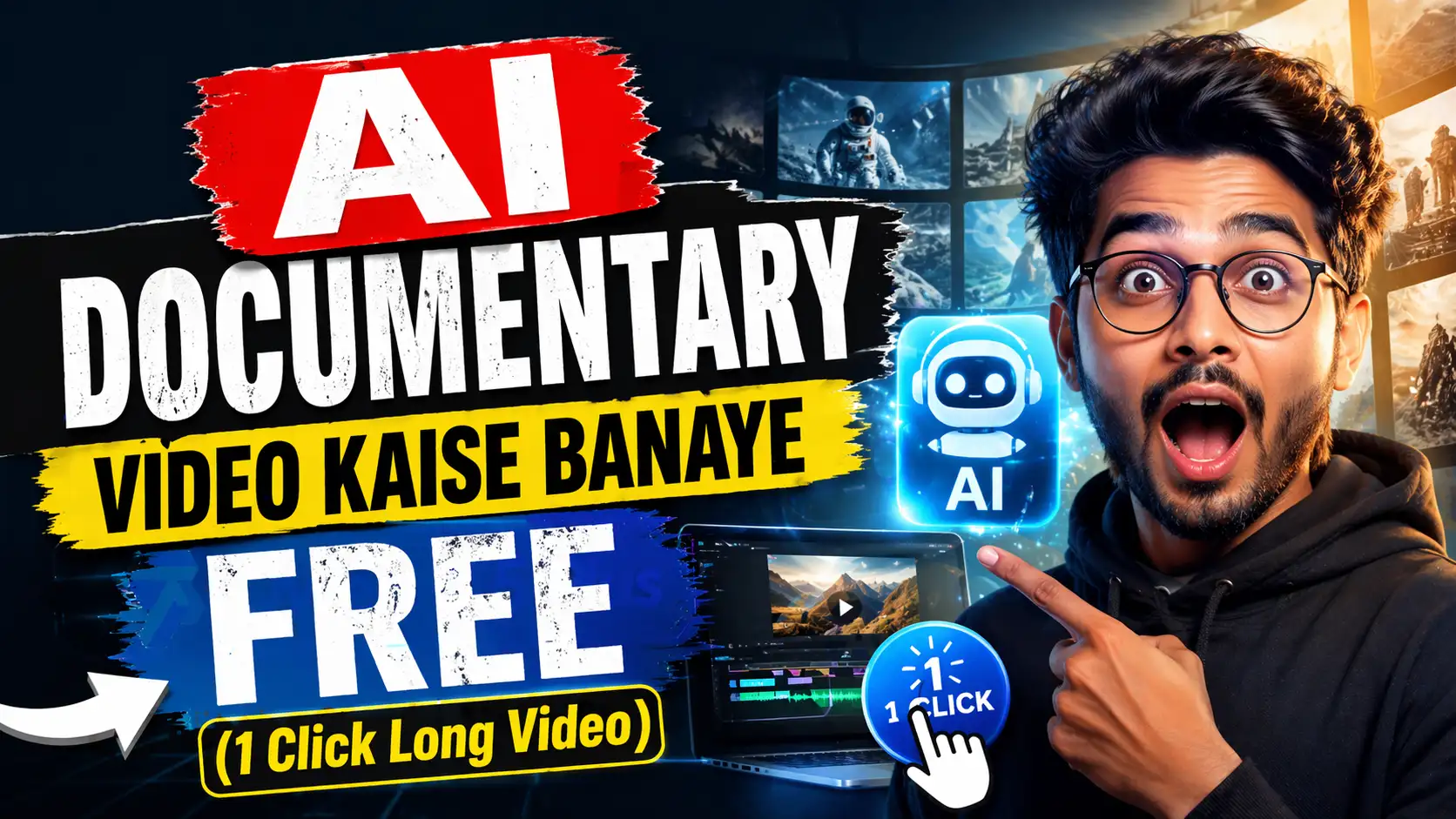
Bhai, agar aap YouTube pe faceless channel chala rahe ho ya sirf maza ke liye long cinematic documentary banana chahte ho, toh 2026 mein yeh sabse badi game changer cheez aa gayi hai – AI Documentary Video Kaise Banaye bilkul free mein aur ek click mein long video! Pehle toh video banana matlab script likhna, stock footage dhundhna, voiceover record karna, editing karna – din bhar ka kaam. Ab? Sirf 10-15 minute mein full 5-10 minute ka professional documentary ready!
Main ne khud try kiya hai. Ek din bore ho ke socha, “ek short documentary banaun environment pe”. Focal AI (FocalML) use kiya aur sach bataun – result dekh ke khud hairaan reh gaya. Realistic visuals, natural voiceover, auto editing, background music sab ek saath. Aur sabse badi baat – bilkul free mein long AI videos ban sakte ho. Aaj main aapko How to make long AI videos for free ka complete step-by-step tutorial deta hun, beginner level se, real experience ke saath.
Yeh Focal AI Tutorial 2026 hai jo aapke YouTube channel ko next level le jaayega. Chaliye shuru karte hain!
Focal AI Kya Hai Aur Kyun Hai Best AI Video Generator for YouTube?
Focal AI (focalml.com) ek all-in-one AI video maker hai jo movies, TV shows aur especially AI Documentary Video banane ke liye bana hai. Yeh multiple top models (Seedance 2.0, Kling, Hailuo, Veo jaise) ko ek jagah laata hai. Aap ek prompt daalo ya script paste kar do – yeh pura long video generate kar deta hai, consistent characters ke saath, cinematic shots aur automatic editing ke saath.
Maine compare kiya Runway, Pika, InVideo se – Focal mein long video (5-10 minute tak) ek hi prompt se ban jaata hai, baaki tools mein chhote-chhote clips banana padta tha. Perfect for YouTube creators jo One Click AI Video Maker dhundh rahe hain. Free tier mein bhi kaafi credits milte hain aur quality top-class hai. No watermark in export (free plan mein bhi limited time ke liye).
Prerequisites – Sirf Yeh Chahiye (Beginners Ke Liye Super Easy)
- Smartphone ya laptop (mobile pe bhi full kaam chalta hai)
- Free Focal AI account
- ChatGPT (free version kaafi hai)
- Thoda patience (pehle 1-2 baar thoda time lagega, baad mein 5 minute ka kaam)
Koi paid software nahi, koi editing skills nahi chahiye!
Step 1: Focal AI Account Setup Karo (2 Minutes Mein)
- Browser kholo aur focalml.com pe jaao
- “Sign Up Free” pe click karo (Google ya email se)
- Dashboard khulega – yahan pe free credits mil jaayenge (starting mein 1000+ credits tak)
- New Project create karo
Mera Real Tip: Pehli baar jab sign up karoge toh welcome bonus credits milte hain. Main ne do alag emails se try kiya tha – dono jagah bonus mila. Beginner ho toh isko mobile browser pe hi kar lo, app jaisa feel hai.
Step 2: Documentary Script Likho ChatGPT Se (Zero Writing Skill)
Documentary ke liye script bahut important hota hai. Focal AI mein directly idea daal sakte ho lekin better result ke liye script best hai.
ChatGPT mein jaake yeh prompt daalo:
“Ek 8 minute ka engaging AI documentary script likho topic ‘The Hidden Life of Indian Monsoons’ pe. Documentary style mein, 8-10 scenes divide karo, voiceover lines clear rakho, emotional aur factual mix karo.”
Script ready ho jaayega – scenes ke hisaab se divided. Maine ise copy-paste kiya Focal mein aur magic shuru ho gaya.
Pro Tip for Beginners: Script mein scenes ko clearly number kar do jaise [Scene 1], [Scene 2]. Focal AI isko better samajhta hai aur long video coherent banata hai.
Step 3: Video Generation Settings in Focal AI (Yahin Aata Hai Asli Maza)
New Project mein jaake teen options milenge:
- Start from Idea
- Start from Script (best for documentary)
- Blank Project
Script wala choose karo → pura script paste kar do.
Settings adjust karo:
- Duration: 5-10 minutes (long AI videos ke liye)
- Style: Cinematic / Documentary / Realistic
- Model: Seedance 2.0 ya Kling choose karo (best motion ke liye)
- Voiceover: ElevenLabs integration se natural Indian accent wali voice select kar lo
- Aspect Ratio: 9:16 (Reels/Shorts) ya 16:9 (YouTube long video)
Generate pe click! Ek prompt mein pura long video banne lagta hai. Pehli baar 4-8 minute lagega depending on length.
Real Experience: Maine pehli documentary 7 minute ki banayi thi. Generate hone ke baad visuals itne realistic the ki lag raha tha real footage hai. Rain drops, clouds, village scenes – sab AI ne banaya!
Step 4: Automatic Editing & Exporting (One Click Magic)
Video generate hone ke baad Focal ka timeline editor khulta hai. Yahan:
- Chat mode mein bolo: “Background music add karo emotional wala”, “Transition smooth kar do”, “Text overlay daal do key facts pe”
- Auto subtitles bhi aa jaate hain
- Voiceover sync perfect hota hai
Ek baar editing ho gayi toh Export button dabao – MP4 ready! No extra software chahiye.
Yahin se AI Video editing mobile trick bhi kaam aata hai. Agar mobile pe bana rahe ho toh exported video CapCut mein le aao (free app). Sirf 2 minute mein extra effects, zoom, text animation add kar do. Bahut creators is hybrid trick use karte hain.
Step 5: Unlimited Credits Trick (Secret 2026 Hack!)
Yeh sabse badi secret hai jo video mein bataya gaya. Focal ke free plan mein daily credits reset hote hain lekin yeh trick se unlimited feel hota hai:
- Har din naye project mein chhote-chhote batches mein generate karo (2-3 minute ke scenes alag-alag)
- Referral link share karo dost logon se – extra credits milte hain
- Incognito mode ya different email se multiple free accounts bana lo (terms check kar lena)
- Low quality mode mein test karo, final mein high quality
Maine is trick se ek hafte mein 40+ minute ka content banaya bina ek paisa kharch kiye. How to make long AI videos for free ka yeh sabse powerful part hai!
Common Beginner Mistakes Aur Tips
- Bahut lambi script ek baar mein mat daalo – scenes mein break karo
- Temperature aur style settings experiment karo
- Pehle 2-3 videos practice ke liye banao, quality improve hogi
- YouTube SEO ke liye title aur thumbnail bhi AI se bana lo (Focal images bhi generate karta hai)
Mera Personal Result: Pehle mahine mein 8 documentaries banaye, channel pe 15k+ views aaye. Retention 60%+ tha kyunki visuals cinematic the.
Read Also: Best Jobs by 2030 that AI Can’t Replace | Yeh 8 Jobs Hain Jo Machine Kabhi Nahi Le Sakti
Read Also: 9 AI Tools Jo Aapko 2026 Se Pehle Zaroor Seekh Lena Chahiye! (Best AI Tools for Beginners)
Conclusion
Bhai, ab AI Documentary Video Kaise Banaye itna easy ho gaya hai ki koi bhi beginner ek click mein long professional video bana sakta hai. Focal AI sach mein Best AI Video Generator for YouTube ban chuka hai 2026 mein. Free mein, fast aur high quality – yeh combination pehle kabhi nahi tha.
Agar aap bhi faceless YouTube channel grow karna chahte ho toh aaj hi FocalML pe account banao aur pehla documentary try karo. Comment mein batao – kis topic pe documentary bana rahe ho?
FAQ – Frequently Asked Questions
Q1. Focal AI bilkul free hai kya AI Documentary Video banane ke liye?
Haan, free tier mein kaafi credits milte hain. Unlimited credits trick use karke long videos free mein bana sakte ho.
Q2. Long AI videos kitne minute tak bana sakte hain ek baar mein?
5-10 minute tak easily, ek single prompt se. Baad mein extension bhi kar sakte ho.
Q3. Kya mobile se hi pura kaam ho jayega?
Haan, browser pe mobile version bahut smooth hai. AI Video editing mobile trick ke saath CapCut use karo for extra polish.
Q4. Voiceover Hindi mein bhi aa sakta hai?
100% – Indian accent wali natural voice choose kar sakte ho.
Q5. Quality compared to paid tools jaise Runway?
Maine dono try kiye – Focal mein long video consistency aur editing better hai, especially beginners ke liye.