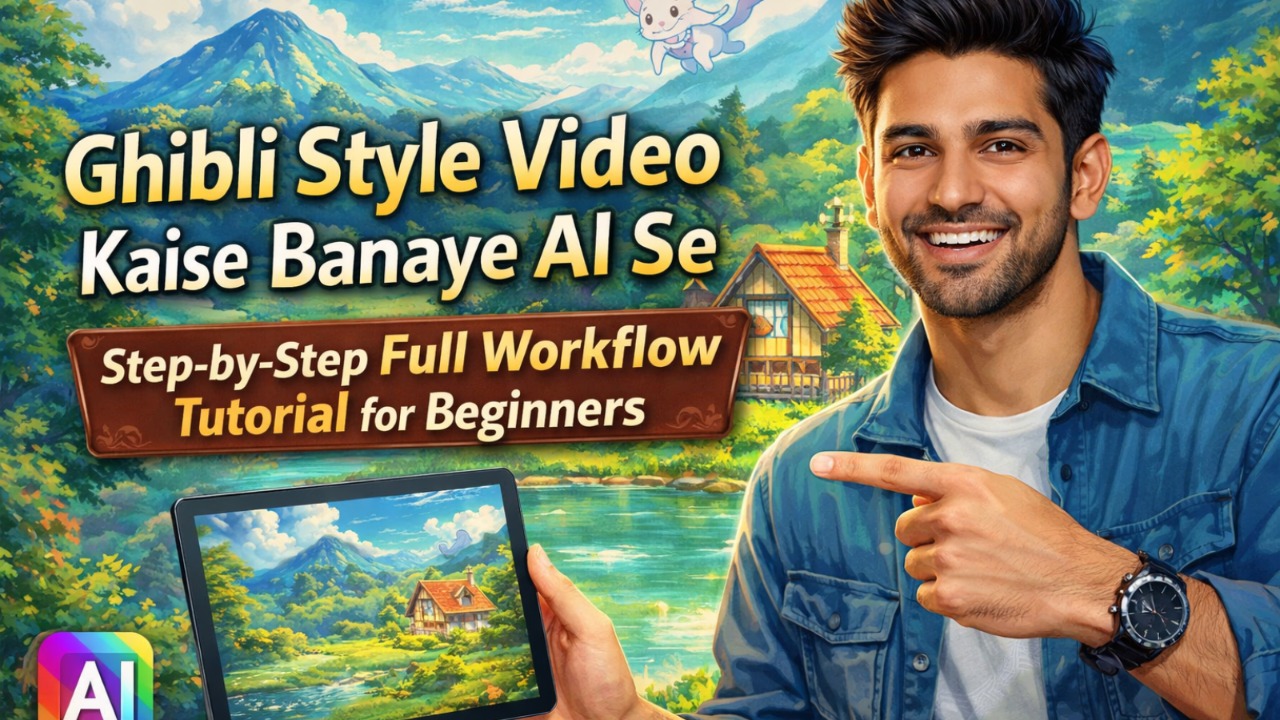
Bhai, agar aap bhi Instagram aur YouTube pe woh dreamy Ghibli style videos dekh kar soch rahe ho ki “yaar ye kaise banate hain?”, toh bilkul sahi jagah aaye ho! 2026 mein Ghibli Style Video Kaise Banaye AI Se trend full blast pe hai – soft colors, magical forests, flying spirits aur woh classic Studio Ghibli wala feel. Maine khud December 2025 mein pehli baar try kiya tha, sirf free tools se. Pehla video toh thoda glitchy aaya, lekin ab 15-20 minute mein ek full 30-second clip ban jata hai. Aaj main aapko exact step-by-step full workflow bataunga, beginner ke liye bilkul simple language mein. Koi drawing skill nahi chahiye, bas phone ya laptop aur free AI tools!
Yeh tutorial 100% practical hai. Main real prompts, settings aur common galtiyan sab share karunga. Toh chai piyo aur notepad kholo, chalo shuru karte hain Ghibli Style Video Kaise Banaye AI Se!
Ghibli Style Kya Hai Aur Kyun Itna Viral Hai 2026 Mein?
Studio Ghibli matlab Hayao Miyazaki ke classic anime – Spirited Away, My Neighbor Totoro, Princess Mononoke. Soft hand-painted look, pastel colors, lush greenery, magical creatures aur emotional storytelling. AI ne isko super easy bana diya hai. Ab koi bhi beginner bina team ke 1-minute ka short film bana sakta hai.
2026 mein ye videos YouTube Shorts, Instagram Reels aur TikTok pe viral ho rahe hain kyunki log ASMR, calming nature aur fantasy content pasand karte hain. Ek mera dost ne sirf 3 videos se 10k views paaye the pehle week mein. Agar aap bhi faceless channel start karna chahte ho, toh Ghibli style AI video best starting point hai!
AI Se Ghibli Style Video Banane Ke Best Free Tools (2026 Updated)
Maine 5-6 tools try kiye, yeh sabse best aur beginner-friendly hain:
- Story & Prompts ke liye: Grok AI (free app) ya ChatGPT (free version)
- Ghibli Images banane ke liye: Grok AI ya Flux AI (free trials)
- Image-to-Video ya Text-to-Video: Dreamina by CapCut (bilkul free), insMind, Whisk AI ya Kling AI (free credits milte hain)
- Editing aur Sound: CapCut app (free)
Sab free tier mein kaam karte hain. Paid jaise Runway ya Luma Ray3 sirf pro level ke liye, beginners ko zarurat nahi.
Step-by-Step Full Workflow: Ghibli Style Video Kaise Banaye AI Se
Yeh mera personal tested workflow hai. Maine isse 7-8 videos banaye hain – ek peaceful forest scene, ek girl aur spirit wala, aur ek Totoro-inspired rainy day. Har step detail mein samjhaunga.
Step 1: Story Idea aur Script Generate Karo (5-10 minutes)
Pehle bina visuals ke story ready karo, warna video bekaar lagega.
- Grok AI app kholo (ya ChatGPT).
- Prompt daalo:
“Mujhe ek 30-second Ghibli style calming story chahiye. Ek young girl ek magical forest mein walk karti hai, chhote spirits uske saath khelte hain. Soft rain, glowing fireflies aur peaceful ending. Simple Hindi-English mix script bhi de.”
AI ek full script de dega – scene by scene. Maine isse use kiya aur story itni natural aayi ki log comment mein poochhte the “ye real animation hai kya?”
Tip for beginners: Hamesha “Studio Ghibli style, Hayao Miyazaki inspired, soft pastel colors, emotional” add karo.
Read More: Top 10 AI Tools for Motion Tracking and Video Making in 2026: Free & Paid
Step 2: Ghibli Style Images Create Karo (10 minutes)
Ab visuals ki baari! Direct text-to-video se behtar hai pehle high-quality images banao.
- Grok AI mein jaao aur prompt likho:
“Create a Studio Ghibli style illustration of a young girl with flowing hair walking in a lush green forest at sunset. Soft golden light, floating spirits, detailed hand-painted background, pastel colors, magical atmosphere, high detail.”
Grok 4-5 variations dega. Best wala choose karo (aspect ratio 16:9 rakho Shorts ke liye).
Mera real experience: Pehli baar image thodi dark aayi thi, toh maine prompt mein “bright soft sunlight filtering through trees” add kiya – perfect ho gaya! 2-3 images banao (starting scene, middle action, ending).
Pro tip: “in the style of Studio Ghibli, no text, cinematic composition” zaroor add karna.
Step 3: Images Ko Ghibli Style Video Mein Animate Karo (5-8 minutes)
Yahan magic hota hai!
Option 1 (Sabse Easy – Recommended for Beginners):
Dreamina by CapCut kholo (capcut.com pe Dreamina section).
- “Generate video” pe click.
- Text prompt daalo:
“Studio Ghibli style animation of the girl walking slowly in the forest, gentle wind moving leaves, floating spirits dancing around her, soft camera pan from left to right, dreamy atmosphere, 10-second clip.”
Ya better – pehle Grok se banaayi image upload karo (Image-to-Video mode).
- Motion intensity medium rakho.
- Duration 8-15 seconds.
- Aspect ratio 9:16 for Reels.
Generate karo – 1-2 minute mein video ready!
Option 2 (Agar better quality chahiye): Whisk AI ya insMind use karo. Wahan motion customize kar sakte ho – pan, zoom, wind effect.
Maine Whisk AI try kiya tha – image upload kiya, prompt mein “gentle leaf movement and spirit floating” add kiya. Result? Bilkul Ghibli jaisa soft motion! Free credits khatam hone pe bhi 2-3 videos ban gaye.
Common beginner mistake: Bahut lambi prompt mat daalna, AI confuse ho jata hai. Short aur clear rakho.
Read More: How to Make ULTRA Realistic AI Videos with Cinema Studio 2.5 in 2026: Complete Step-by-Step Guide
Step 4: Editing, Sound aur Final Touch (5 minutes)
CapCut app download karo (mobile pe sabse easy).
- Video import karo.
- Speed thodi slow karo (0.8x) for dreamy feel.
- Transitions add karo (fade ya soft zoom).
- Soundtrack: CapCut ka AI music generator use karo – “calming piano, ambient rain, nature sounds” search karo.
- Voiceover agar chahiye toh ElevenLabs ya CapCut ka free TTS se “whisper style” mein daal do.
Mera personal tip: Last mein brightness +10 aur saturation +15 karo – colors aur vibrant ho jaate hain jaise original Ghibli movies.
Ek mera video 45 seconds ka bana tha – background mein light rain sound aur piano music daala, views double ho gaye!
Step 5: Export aur Share Karo
- 1080p ya 4K export karo.
- YouTube Shorts, Instagram Reels ya TikTok pe upload.
- Caption mein likho: “AI se bana Ghibli Style Video ✨ #GhibliStyle #StudioGhibli #AIVideo”
Bas ho gaya! Poora workflow 20-30 minute mein.
Beginners Ke Liye Extra Tips (Maine Khud Se Seekha)
- Pehli 2-3 videos mein sirf 10-second clips banao, practice ke liye.
- Character consistency ke liye ek hi reference image use karo har scene mein.
- Free credits khatam ho rahe hain? Alternate tools: Aaj Dreamina, kal Whisk.
- Lighting aur weather details prompt mein zaroor daalo – “golden hour sunlight” ya “soft mist” magic karta hai.
- Galti: Modern elements mat add karna (cars, phones) – pura Ghibli feel kharab ho jaata hai.
Maine ek baar “city background” add kiya tha galti se – video bilkul bekaar laga. Ab hamesha “ancient forest, no modern things” likhta hoon.
Advanced Level Tips for Pro Ghibli Style Videos
- Multiple scenes banao aur CapCut mein stitch karo – full 1-minute story.
- Kling AI try karo agar paid credits afford kar sako – character consistency best hai.
- Suno AI se background music banao jo exactly Joe Hisaishi style lage.
- Series banao – ek girl ki full adventure series!
FAQ: Ghibli Style Video Kaise Banaye AI Se (Sabse Common Questions)
Q1: Kya bilkul free mein Ghibli style video ban sakta hai?
Haan bhai! Grok AI + Dreamina + CapCut se 100% free. Sirf credits limit hai, lekin roz naye videos ban sakte ho.
Q2: Best tool konsa hai beginners ke liye?
Dreamina by CapCut – sabse simple interface aur direct text-to-video.
Q3: Image-to-video better hai ya text-to-video?
Image-to-video (Grok image upload karke) – zyada control milta hai aur consistent characters.
Q4: Video kitna lamba bana sakte hain?
Free tools mein 10-30 seconds per clip best. Multiple clips stitch karke 2-3 minute tak.
Q5: Grok AI se images kaise banaye Ghibli style?
Sirf prompt mein “Studio Ghibli style, Hayao Miyazaki” add karo. Free hai app mein.
Toh dost, ab aap bhi Ghibli Style Video Kaise Banaye AI Se seekh gaye! Aaj hi ek try karo aur comment mein apna pehla video link bhejo. Maine is workflow se shuru kiya tha, aaj tak 15+ videos bana chuka hoon. Agar koi doubt ho toh poochho, main help karunga.