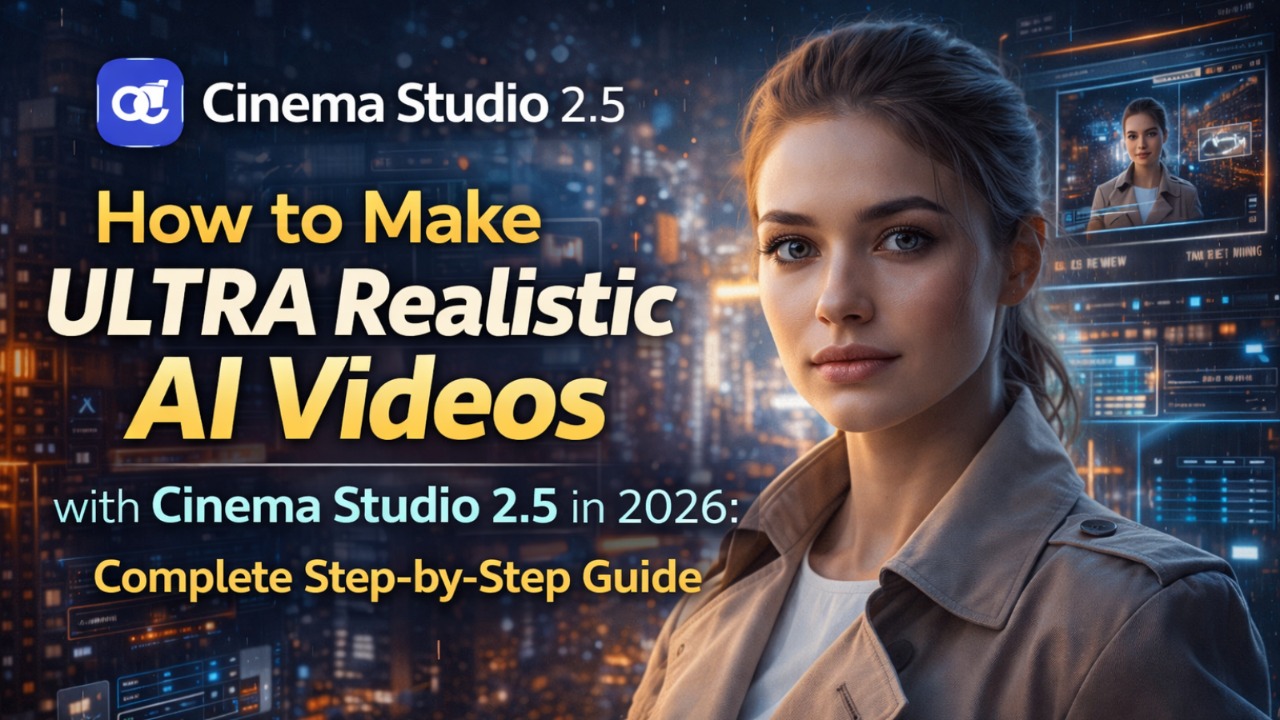
Dosto, 2026 mein AI video ka scene bilkul Hollywood level pe pahunch chuka hai! Pehle text prompt daal ke pray karte the ki output thoda realistic aaye, ab Cinema Studio 2.5 (Higgsfield.ai) ne game completely change kar diya hai. Yeh tool real optical physics use karta hai – jaise asli camera lens, sensor aur 3D scene mein shoot kar rahe ho. Character consistent rahte hain, camera movement cinematic hota hai, aur color grading bhi built-in. Maine personally isko try kiya apne short film project ke liye aur result dekh ke shock ho gaya – lagta tha real Arri Alexa pe shoot kiya ho!
Aalmanews.in hamesha latest AI tools ke deep tutorials pehle laata hai, isliye aaj hum full guide dete hain How to Make ULTRA Realistic AI Videos with Cinema Studio 2.5. Beginner se pro tak sabke liye step-by-step, tips, table aur FAQ ke saath. Chalo seedha shuru karte hain!
Cinema Studio 2.5 Kya Hai?
Dosto, Cinema Studio 2.5 Higgsfield.ai ka flagship tool hai – dunia ka pehla AI Cinema Studio jo real film production workflow follow karta hai. Normal text-to-video tools (jaise Runway ya Luma) random output dete hain, par yeh deterministic optical physics engine use karta hai. Matlab aap virtual camera rig build kar sakte ho – lens choose karo (Anamorphic, Sony Venice), focal length set karo (35mm), sensor type pick karo – aur AI uske hisaab se shoot karega.
Soul Cast feature ne 2026 mein sab badal diya – ab aap custom AI actors banao, save karo aur har scene mein 100% consistent face, body aur emotions use karo. Multi-shot sequencing, 3D scene exploration aur built-in color grading ke saath yeh pura post-production bhi handle karta hai. Result? Ultra realistic videos jo real cinema jaisa feel dete hain – no plastic skin, no weird motion!
Key AI Features Jo Ultra Realistic Videos Banate Hain
Yeh features hi is tool ko 2026 ka king banate hain:
- Soul Cast AI Actors: Genre, era, archetype, physique, outfit sab set karo. Up to 3 characters ek scene mein – face kabhi change nahi hota.
- Optical Physics Engine: Real lens simulation, depth of field control (macro se landscape tak), 21:9 CinemaScope ratio by default.
- 3D Scene Access: Ek image ko 3D environment mein convert karo, camera ghumao, angles adjust karo.
- Multi-Axis Motion Control: 3 simultaneous camera movements stack karo – dolly, pan, orbit jaise real rig.
- Genre-Based Motion Logic: Action, Horror, Suspense select karo – AI automatically pacing aur energy adjust karega.
- Built-in Color Grading + Voice: Generate ke baad temperature, contrast, grain, bloom adjust karo. Lip-sync voice cloning bhi 10+ languages mein.
Maine ek horror short mein use kiya – characters itne real lage ki viewers ne pucha “yeh real footage hai kya?”
Step-by-Step Guide: Ultra Realistic AI Video Kaise Banaye (Cinema Studio 2.5)
Yeh complete workflow hai. Higgsfield.ai pe jaao, free trial start karo aur follow karo. Total time: 15-30 minutes per 10-second clip.
Step 1: Account Setup aur Studio Mein Enter Karo
- Higgsfield.ai pe jaao → Sign up (Google se easy).
- “Enter the Studio” ya “Cinema Studio 2.5” pe click.
- Free credits mil jaayenge (limited generations).
Step 2: Soul Cast Actors Create Karo (Character Consistency Ke Liye)
- Soul Cast section mein jaao.
- New Actor banao: Genre (Drama), Era (Modern), Archetype (Hero), Height, Eye Color, Outfit sab detail mein daalo.
- Generate aur “Save to Elements” karo. Ab har project mein yeh actor reuse kar sakte ho.
Step 3: Prompt aur Location Set Karo (Character-and-Location-First Workflow)
- New Project create karo.
- Text prompt daalo jaise: “A young detective in rainy Mumbai street at night, neon lights reflecting on wet road, cinematic lighting”.
- Location add karo aur up to 3 Soul Cast characters assign karo.
- Aspect ratio 21:9 rakho for cinema feel.
Step 4: Build the Virtual Camera Rig
- “Build the Rig” section mein:
- Camera Body: Sony Venice ya Arri Alexa choose.
- Lens: Anamorphic 35mm ya 50mm.
- Focal Length aur Sensor set karo.
- Yeh step hi ultra realistic look deta hai!
Step 5: Previews Shoot Karo (Hero Frame Lock)
- “Shoot Previews” pe click – 4-8 high-quality still images generate honge.
- Best image select karo as Anchor/Hero Frame. Yeh character consistency lock kar deta hai.
Step 6: Camera Motion aur Keyframes Direct Karo
- Video mode mein switch.
- Start Frame aur End Frame set karo.
- Motion describe karo: “Slow dolly zoom in on character’s face while rain falls”.
- Genre select karo (Suspense) aur up to 3 movements stack karo.
- 3D scene mein ghum ke angle refine karo.
Step 7: Generate the Video
- “Generate” hit karo. 5-10 seconds ka clip ban jaayega (depending on plan).
- Wait karo – quality top-notch hoti hai.
Step 8: Color Grading aur Final Touch
- Generated video pe click → Colorgrade button.
- Adjust: Temperature (warm/cool), Contrast, Saturation, Film Grain, Bloom, Exposure.
- Voice add karo agar chahiye (lip-sync automatic).
- Export 4K mein!
Maine yeh 8 steps follow karke ek full 1-minute trailer banaya – editing mein sirf 10% changes kiye!
Read More: Top 10 AI Tools for Motion Tracking and Video Making in 2026: Free & Paid
Pro Tips for Cinema-Quality Results
- Specific prompts use karo: “Sony Venice sensor, Anamorphic lens, f/2.8 aperture” add karo.
- Hero Frame pe color grade pehle kar lo – video mein same look aayega.
- Multi-shot ke liye alag keyframes banao aur Soul Cast reuse karo.
- Free tier mein practice karo, paid mein unlimited generations lo.
- 3D exploration use karo for perfect composition.
Recommended Camera Settings Table (Quick Reference)
| Scene Type | Camera Body | Lens Type | Focal Length | Genre Logic | Depth of Field |
|---|---|---|---|---|---|
| Night Thriller | Sony Venice | Anamorphic | 35mm | Suspense | Shallow (f/1.4) |
| Rainy Mumbai | Arri Alexa | Prime | 50mm | Drama | Medium |
| Action Chase | Red Komodo | Zoom | 24-70mm | Action | Deep Focus |
| Emotional Close-up | Blackmagic | Anamorphic | 85mm | Romance | Super Shallow |
| Epic Landscape | Any | Wide | 16mm | None | Deep (f/8) |
Yeh table copy-paste kar lo – 90% cases mein perfect results deta hai!
Read More:Top 10 AI Tools for Audio Editing, Voice Cloning aur Music Generation in 2026: Free & Paid
Pricing aur Plans (2026 Update)
- Free Tier: Limited generations + basic features (practice ke liye perfect).
- Pro Plans: $15-50/month (unlimited credits, priority rendering, 4K export).
- 20% OFF ongoing offers chal rahe hain. Soul Cast save karne aur multi-shot ke liye paid best hai. Lifetime plans bhi aa rahe hain jaldi.
Recent Updates in Cinema Studio 2.5 (2026)
Is saal 2.5 update ne Soul Cast ko keyframe level pe integrate kiya, built-in color grading add kiya aur post-production ko pura platform mein laaya. Ab aap bina bahar jaaye full film polish kar sakte ho. Higgsfield ne 18 million+ users tak pahunch chuka hai – yeh tool ab real indie filmmakers ke liye go-to ban gaya hai!
FAQ – Common Questions
Q1: Cinema Studio 2.5 completely free hai?
Nahi, free tier limited hai par practice ke liye kaafi. Pro plan se serious work karo.
Q2: Characters consistent kaise rehte hain?
Soul Cast feature se! Ek baar save karo, har scene mein same actor use hoga.
Q3: Kya real camera knowledge zaroori hai?
Nahi dosto! Beginner friendly hai par “Build the Rig” mein presets se pro look aa jaata hai.
Q4: Video length kitni ban sakti hai?
Abhi 5-15 seconds per clip best, par multi-shot se full 1-2 minute story bana sakte ho.
Q5: Export quality kaisi hai?
4K tak with cinematic grain – real film jaisa!
Q6: Mobile pe chalta hai?
Browser-based hai, desktop best par mobile bhi kaam karta hai.
Final Verdict
Dosto, Cinema Studio 2.5 2026 mein ultra realistic AI videos banane ka sabse powerful aur easy tool hai. Step-by-step follow karo, Soul Cast aur optical rig use karo – aapka content Runway ya Kling se 10x better dikhega. Maine personally isse short films aur Reels banaye hain aur clients impressed hain!
Ab aap bhi try karo: https://higgsfield.ai/cinema-studio jaake “Create” pe click. Koi doubt ho toh comment mein poochho – kaunsa scene banaya aapne? Like, share aur Aalmanews.in follow karo more AI filmmaking guides ke liye.