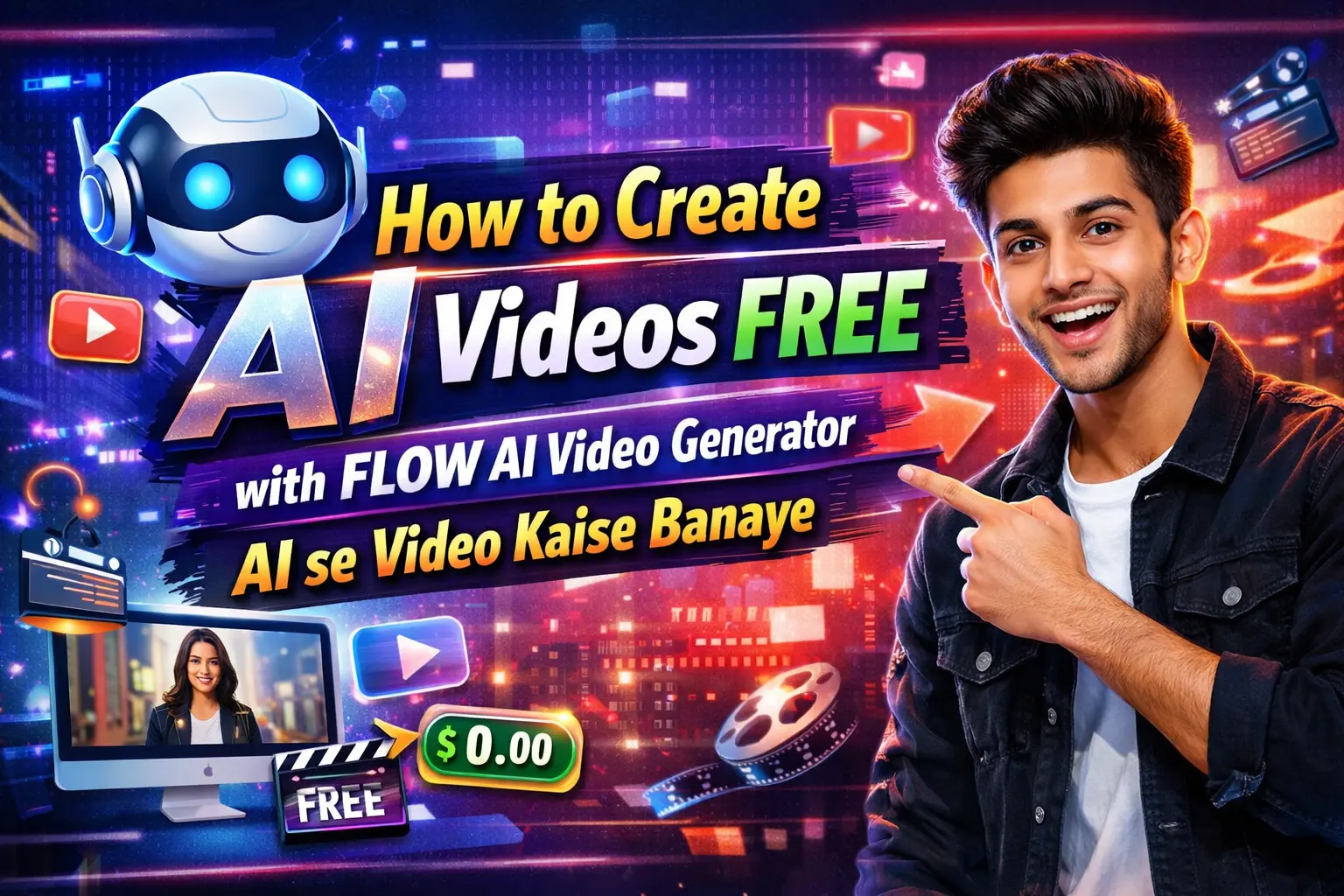
Namaste dosto! Agar aap bhi YouTube pe videos daalte ho, Reels banate ho, ya business ke liye promotional clips chahiye, toh yeh article aapke liye game-changer hone wala hai. Aaj main aapko bilkul FREE mein FLOW AI Video Generator se AI videos banane ka complete step-by-step tarika bataunga.
Main khud Kolkata se hoon aur jab pehli baar is tool ko try kiya tha, toh sach bataun – mujhe laga ki yeh koi magic hai! Ek simple text prompt likha aur 8-10 seconds ka cinematic video ban gaya. Koi camera, koi editing software, koi costly subscription nahi chahiye. Bas Google account aur thoda patience.
Is article mein main apna real experience share karunga, beginners ke liye har chhoti-chhoti baat bataunga, aur SEO friendly tareeke se sab explain karunga taaki aap easily samajh jaao. Toh chaliye shuru karte hain – FLOW AI Video Generator se AI se video kaise banaye!
FLOW AI Video Generator Kya Hai? (Simple Explanation for Beginners)
Dosto, FLOW AI Video Generator Google ka latest AI creative studio hai jo labs.google pe available hai. Yeh Google DeepMind ke powerful models (jaise Veo 3) use karta hai taaki aap text se directly high-quality videos bana sako.
Yeh sirf text-to-video nahi, balki image-to-video, frames-to-video, aur ingredients add karke bhi kaam karta hai. Matlab aap bol sakte ho “ek ladka cycle chala raha hai rainy street pe” aur AI usko realistic video bana dega – lighting, camera movement, sab kuch!
Real experience: Pehle main Runway ML aur Pika Labs try kiye the, lekin woh limited free mein the. FLOW mein daily 50 free AI credits + one-time 100 credits milte hain (no subscription). Ek normal video 5-10 credits khata hai, toh roz 5-10 videos free bana sakte ho. Bahut log isko “free AI video generator” bolte hain kyunki yeh beginners ke liye sabse accessible hai.
Fayda? Video 1080p quality mein, cinematic feel, aur character consistency bhi maintain hoti hai. YouTube Shorts, Instagram Reels, ya TikTok ke liye perfect!
FLOW AI Video Generator Ke Fayde – Kyun Use Kare?
- Bilku FREE start: Daily credits milte hain, paise nahi lagte shuru mein.
- Beginner friendly: Koi technical knowledge nahi chahiye. Bas Hindi/English mein prompt likho.
- Fast generation: 5-20 seconds mein video ready.
- Advanced features: Ingredients add karo, start-end frames daalo, camera angle control karo.
- Cinematic quality: Veo 3 model ki wajah se Hollywood jaisa look.
- No watermark free tier mein bhi (limited use pe).
Maine ek short film style video banaya tha “Kolkata ki barish mein chai ki dukaan” – logon ne poocha ki kaunsa camera use kiya! 😎
Requirements: Shuru Karne Se Pehle Kya Taiyaar Karein
Bilkul zero cost pe shuru kar sakte ho:
- Ek Google account (Gmail).
- Internet connection (Wi-Fi better).
- Laptop ya mobile browser (Chrome recommended).
- Thoda time – pehla video 10-15 minute mein ban jaayega.
Pro tip from my experience: Pehle Gemini (gemini.google.com) pe jaake prompt practice karo. AI khud better prompt suggest karta hai.
Ab asli maza – step by step guide.
Read More: Ghibli Style Video Kaise Banaye AI Se | Step-by-Step Full Workflow Tutorial for Beginners
Step-by-Step: FLOW AI Video Generator Se AI Videos Kaise Banaye (Beginners Ke Liye)
Step 1: FLOW AI Mein Login Karein aur Account Setup
- Browser kholo aur type karo: labs.google/fx/tools/flow ya search karo “Google Flow AI”.
- Apne Google account se Sign in karo.
- Pehli baar “Create with Flow” pe click karo.
Yahan aapko dashboard dikhega jahan projects save hote hain. Free users ko credits dikhenge – jaise “50 daily credits remaining”.
Mera real tip: Agar credits khatam ho jaaye toh next day wait karo. Ya 1 month ka Google AI Pro trial le sakte ho (baad mein cancel kar dena).
Step 2: New Project Create Karein
- Home screen pe New Project pe click karo.
- Project ko naam do jaise “Mera Pehla AI Video”.
- Ab aap ready ho!
Yahan “Flow TV” section bhi hai jahan ready-made examples dekh sakte ho inspiration ke liye.
Step 3: Prompt Likhein – Yeh Sabse Important Step Hai
Prompt box mein jaao. Default mein “Text to Video” mode hota hai.
Simple prompt example:
“A young Indian boy riding a bicycle on a busy Kolkata street during evening golden hour, realistic, cinematic lighting, 4K”
Advanced prompt (better results ke liye):
“Close-up shot of a steaming cup of masala chai on a rainy Kolkata balcony, rain drops on window, warm lighting, slow camera pan, highly detailed, cinematic, 9:16 vertical for Reels”
Mera experience: Pehli baar maine sirf “kolkata street” likha tha – result bakwaas aaya. Phir detailed prompt likha (subject + action + environment + lighting + style) toh mind-blowing video ban gaya. Gemini se prompt refine karwao – yeh free hai!
Step 4: Model aur Settings Choose Karein
- Model dropdown mein Nano Banana Pro (image ke liye) ya Veo 3 (video ke liye) select karo.
- Video tab pe click karo.
- Aspect ratio choose karo: 16:9 (YouTube) ya 9:16 (Reels/Shorts).
- Number of outputs: 2-4 rakho taaki best choose kar sako.
- Generate pe click!
Video 8-10 seconds ka banega. Wait karo – credits deduct honge.
Step 5: Ingredients ya Frames Add Karke Pro Level Video Banao (Advanced Step)
Yeh beginners ko bhi bahut pasand aata hai:
- Ingredients to Video: Apni photo drag karke daalo (jaise apni face). Prompt mein likho “with this person as main character”.
- Frames to Video: Start frame aur End frame upload karo. AI beech ka animation bana dega.
- Example: Start mein ladka khada hai, end mein cycle chala raha hai → AI transition bana dega.
Real life use: Maine apni photo daali aur prompt diya “main Kolkata metro station pe khada hoon aur train aa rahi hai” – personal AI video ban gaya!
Read More: The End of Free Grok: Switch to These Top FREE AI Video Gens NOW (March 2026 Update)
Step 6: Video Edit aur Download Karein
- Generated videos mein se best choose karo.
- Scene Builder mein multiple clips jod sakte ho full story banane ke liye.
- Hover karke Download → MP4 ya GIF.
- Ready! Direct social media pe upload.
Total time? 5-10 minute per video.
Pro Tips for Better AI Videos (Mere Personal Experiments Se)
- Prompt writing ka secret: Hamesha details add karo – “cinematic, realistic, 4K, dramatic lighting, slow motion”.
- Consistency: Ek project mein same character ke liye same reference image use karo.
- Daily credits bachao: Sirf 2-3 best generations karo, baaki delete.
- Common mistake: Vague prompt mat likho. “Beautiful girl” ki jagah “20 saal ki Indian girl wearing red saree” likho.
- Mobile pe: Browser mein desktop mode on karke use karo, better experience.
Maine 15+ videos banaye is tarike se aur sabne poocha “bhai yeh kaise banaya?”
FLOW AI Video Generator Ke Limitations (Sachchai)
- Free mein daily limit hai (50 credits).
- Video length abhi 8-10 seconds tak limited (multiple clips jod sakte ho).
- Kabhi-kabhi weird results aate hain (AI hallucination).
- India mein full features available hain lekin credits count carefully.
Agar zyada videos chahiye toh Google AI Pro (₹1600/month approx) le sakte ho – 1000+ credits milte hain.
Read More: How to Make ULTRA Realistic AI Videos with Cinema Studio 2.5 in 2026: Complete Step-by-Step Guide
FAQ: FLOW AI Video Generator Ke Baare Mein Common Sawal
Q1: FLOW AI Video Generator bilkul free hai ya nahi?
Haan bhai, daily 50 free credits + one-time 100 credits milte hain. Roz naye videos banao bina paise kharch kiye!
Q2: AI se video kaise banaye Hindi mein prompt likh sakte hain?
Haan! Hindi + English mix prompt bhi kaam karta hai. Jaise “ek sadhu Ganga ghat pe aarti kar raha hai, evening light”.
Q3: Mobile se bana sakte hain?
Haan, browser mein. Lekin laptop pe better control milta hai.
Q4: Kitne seconds ka video ban sakta hai?
Ek baar mein 8-10 seconds. Scene Builder se full 1-2 minute ka story bana sakte ho.
Q5: Quality kitni achhi hai?
Veo 3 se 4K level, realistic movements aur lighting. Professional level!
Q6: Credits khatam ho jaaye toh kya?
Next day reset ho jaayega. Ya trial subscription try karo.
Q7: Kya watermark lagta hai?
Nahi, free videos mein bhi nahi lagta.
Conclusion
Dosto, FLOW AI Video Generator sach mein AI revolution ka hissa hai. Maine khud beginner se shuru kiya aur ab regular content bana raha hoon. Aap bhi aaj hi labs.google/fx/tools/flow pe jaake try karo aur comment mein batao aapka pehla video kaisa bana!
Agar article helpful laga toh share kar dena dost ke saath. Koi doubt ho toh poochho – main reply karunga.